Nov 9, 2026
Getting Collaboration Spaces Right in Financial Services
View moreNov 10 - 2026


During a client consultation, someone may share personal details about a matter that affects their business or their family. Down the hall, attorneys and staff may be reviewing privileged case materials as they prepare for trial. In another room, a broader legal team may be discussing strategy for a large company. All of this happens in your collaboration spaces every day.
For CIOs, the challenge is meeting the needs of clients, attorneys, and staff while giving your IT team a collaboration environment it can protect and support. The meeting experience should feel intuitive in any room and familiar from one space or location to the next. A balanced approach brings those requirements together, so the technology reinforces the professional standards clients expect from the firm.
The first consideration is security. Clients, attorneys, and staff need confidence that the conversations and information shared in a collaboration space are protected. For law firms, privacy and regulatory requirements raise that expectation further, so security needs to influence how the room is planned from the beginning.
Room planning gives your IT team an opportunity to make those protections intentional. Teams need to know which platforms and endpoints are approved before deciding what belongs in the space. Access also has to reflect the controls your firm already uses. Making these decisions during design helps IT build security into how the room operates instead of trying to solve for it after deployment.
The room also must support people who attend meetings remotely. A client may join from home while an attorney connects from another office, yet both are participating in the same conversation. The same privacy and security requirements apply wherever participants connect.
Some complexity is unavoidable when IT is protecting a growing collaboration environment. The challenge is controlling that complexity, so security remains practical to administer as rooms and requirements change. Participants should not have to work through those security layers every time they meet. From their perspective, the room still needs to be straightforward to use.
A room can meet every security requirement and the experience may still fall short for the people using it. A client walking into a space for the first time should not need a tutorial before the meeting can begin. Attorneys and staff should not have to call for help with routine tasks. The room should make it easy for people with different levels of technical comfort to start or join a meeting.
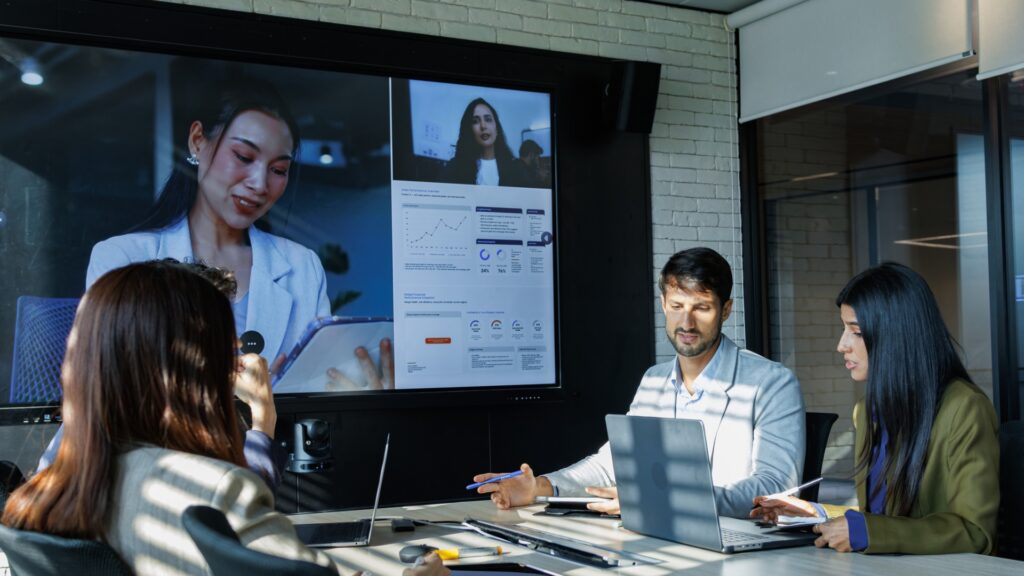
An attorney may bring case information onto the screen to help a client follow the discussion. A legal team will share materials to support trial preparation and decide what comes next. In both cases, people need to see and understand the information in front of them without having to think about the room itself. Sharing content should feel like part of the meeting, not a separate task someone has to stop and manage.
Legal discussions often involve detailed documents and complex points that everyone in the meeting needs to understand. Pairing clear visuals with the ability to work directly on the content helps attorneys explain each point and lets clients and colleagues follow along, whether they’re in the room or joining remotely. Sharp AQUOS BOARD® collaboration displays are designed to work with existing videoconferencing and AV control systems.
Remote attendees should have the same opportunity to take part as everyone else. For that to happen, they need to hear and be heard clearly enough to stay in the conversation. They should be able to follow the discussion and speak up when it matters instead of feeling like an observer looking into the room.
A good experience in one room shapes what people expect from the next. The question for you is how to preserve that experience as collaboration extends beyond a single space.
Different rooms can support different kinds of work and still keep the basic meeting experience familiar. Attorneys and staff should not have to relearn how to start or run a meeting each time they move to another space. Consistency comes from deciding what should stay familiar even when the space itself is designed for a different purpose.
Standardization gives IT a common foundation for how collaboration spaces operate. During planning, teams can define the platform and core control approach that carries from room to room. They can then decide where a particular use case calls for something different.
This gives IT a clear reference point for technology choices beyond core elements. Additional technology can be selected for the work taking place without changing the elements IT has chosen to standardize.
The same approach also gives IT fewer exceptions to carry forward. When every room is treated as its own project, each new space adds unique configurations and support requirements the technology team must manage.
Standards give your IT leaders a known starting point when a new office opens or an existing space is refreshed. Teams can account for new requirements within that framework instead of reopening the same basic decisions with every project
As law firms equip more meeting spaces, video bars offer an integrated way to support room audio and video. Bringing the camera, microphones, speakers and room compute together reduces the number of separate components IT has to deploy and support. Lenovo ThinkSmart One Pro + Controller brings that approach to smaller meeting rooms, giving attorneys and staff a straightforward way to run their meetings.
That’s the power of Lenovo with Intel Inside®.
Tell me more about Lenovo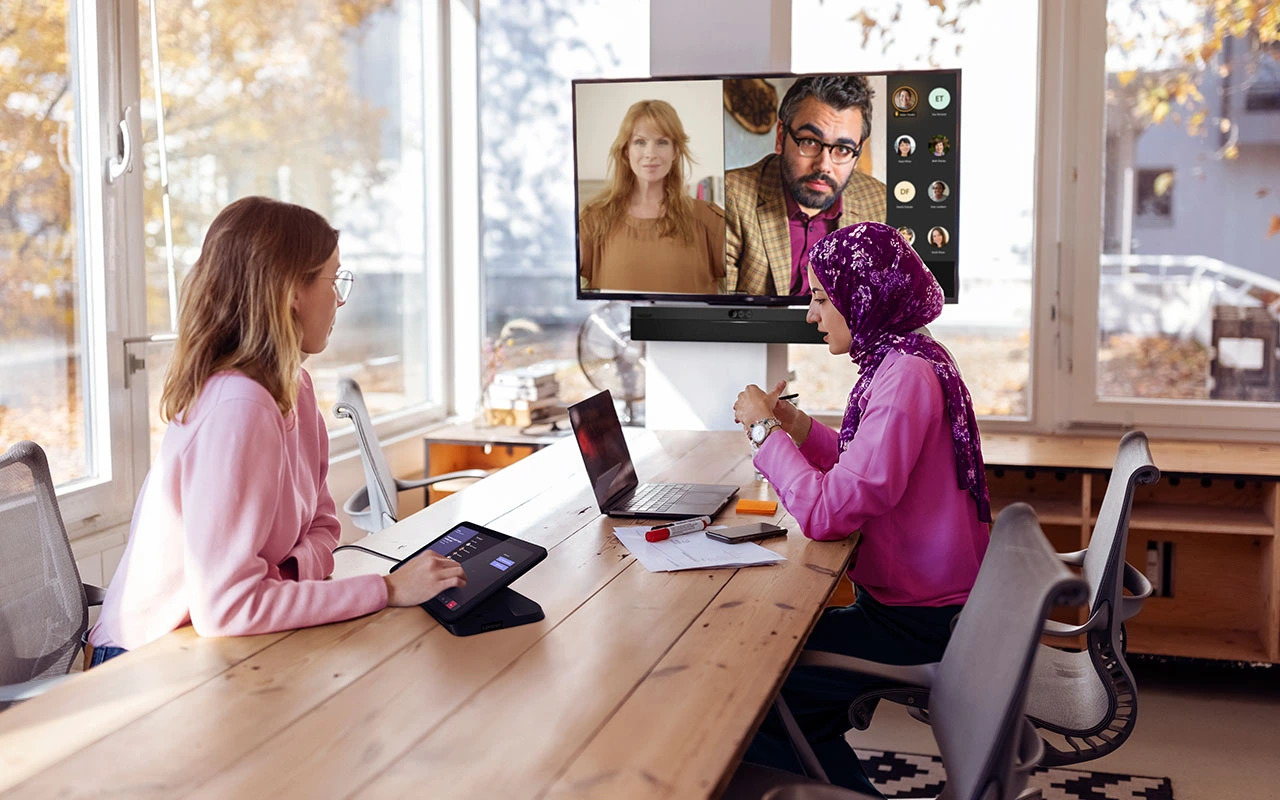
The decisions behind a collaboration space are connected. A room that works well for the people using it also has to be manageable for your IT team to protect and support. When both sides inform the design, the room can reflect the professionalism clients expect and give employees a dependable place to do their work.
AVI-SPL helps law firms plan collaboration technology around the way their people and clients meet today while preparing for changing needs.
Contact AVI-SPL to discuss your collaboration environment goals.