Aug 14, 2026
IT Guide to Creating Immersive Learning Environments
View moreSep 15 - 2026

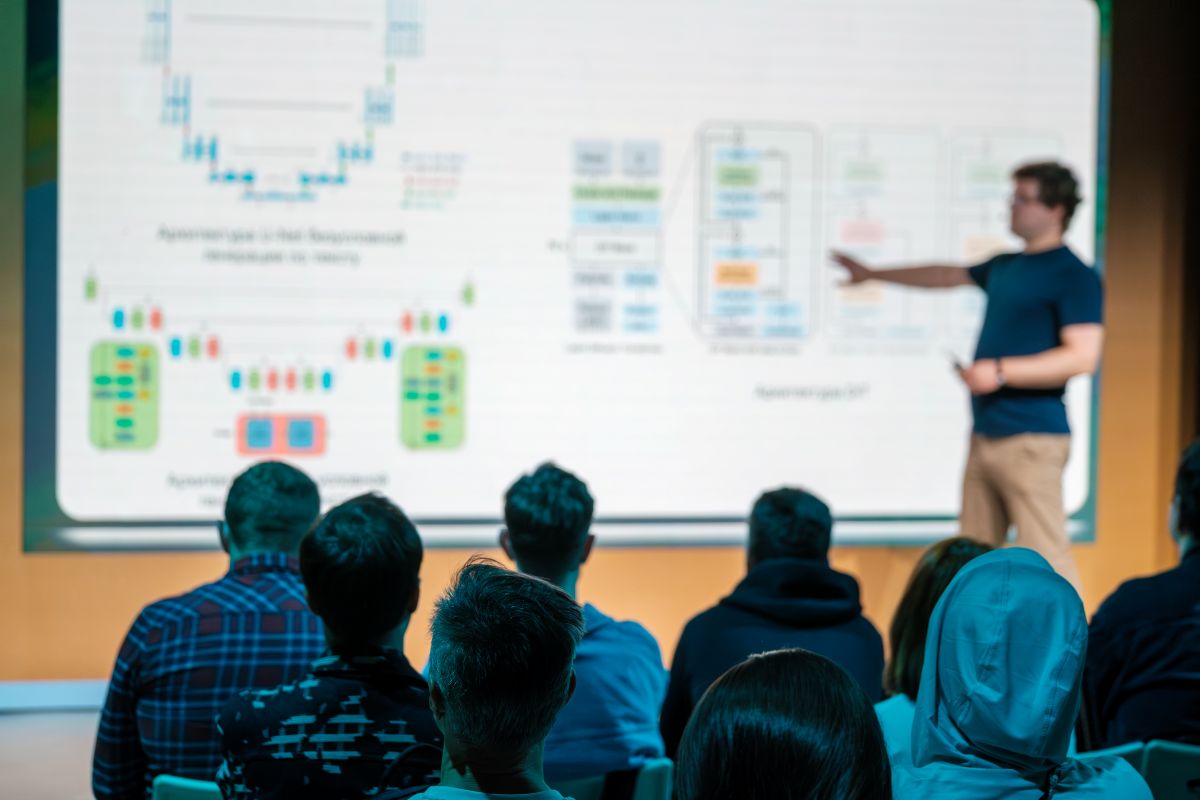
Higher education institutions are under pressure to attract and retain students. As expectations for modern learning continue to rise, the spaces where students learn and collaborate are part of how institutions respond. Faculty also need tools that work as teaching models change.
Learning is no longer limited to the traditional classroom. Students and faculty move among classrooms and collaboration areas and participate in different ways. Your IT team has to support learning across those settings while keeping campus technology practical to manage over time.
Immersive collaboration spaces can make the learning experience more engaging for your students by bringing people and course content together. Audio, video, and visual content each contribute in a different way.
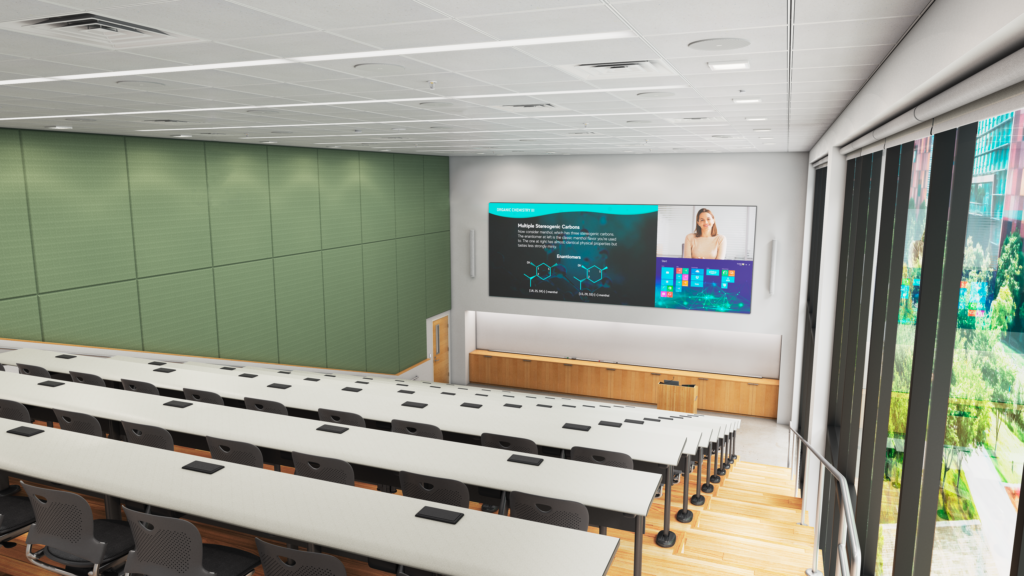
Displays: Large-format displays and video walls create a shared visual canvas for course content. They can make material easier to see while giving instructors and students more room to work with imagery, video, and other visual information. In larger learning spaces, scale can help keep course content visible from more seats. Interactive capabilities provide another way to work with content during instruction and group work. Multi-source viewing can also make more than one source visible at the same time.
Planar helps higher education institutions create more engaging visual experiences with LED and LCD display technology. Its displays range from expansive video walls to interactive formats. They can support how course content is presented and used across different learning spaces.
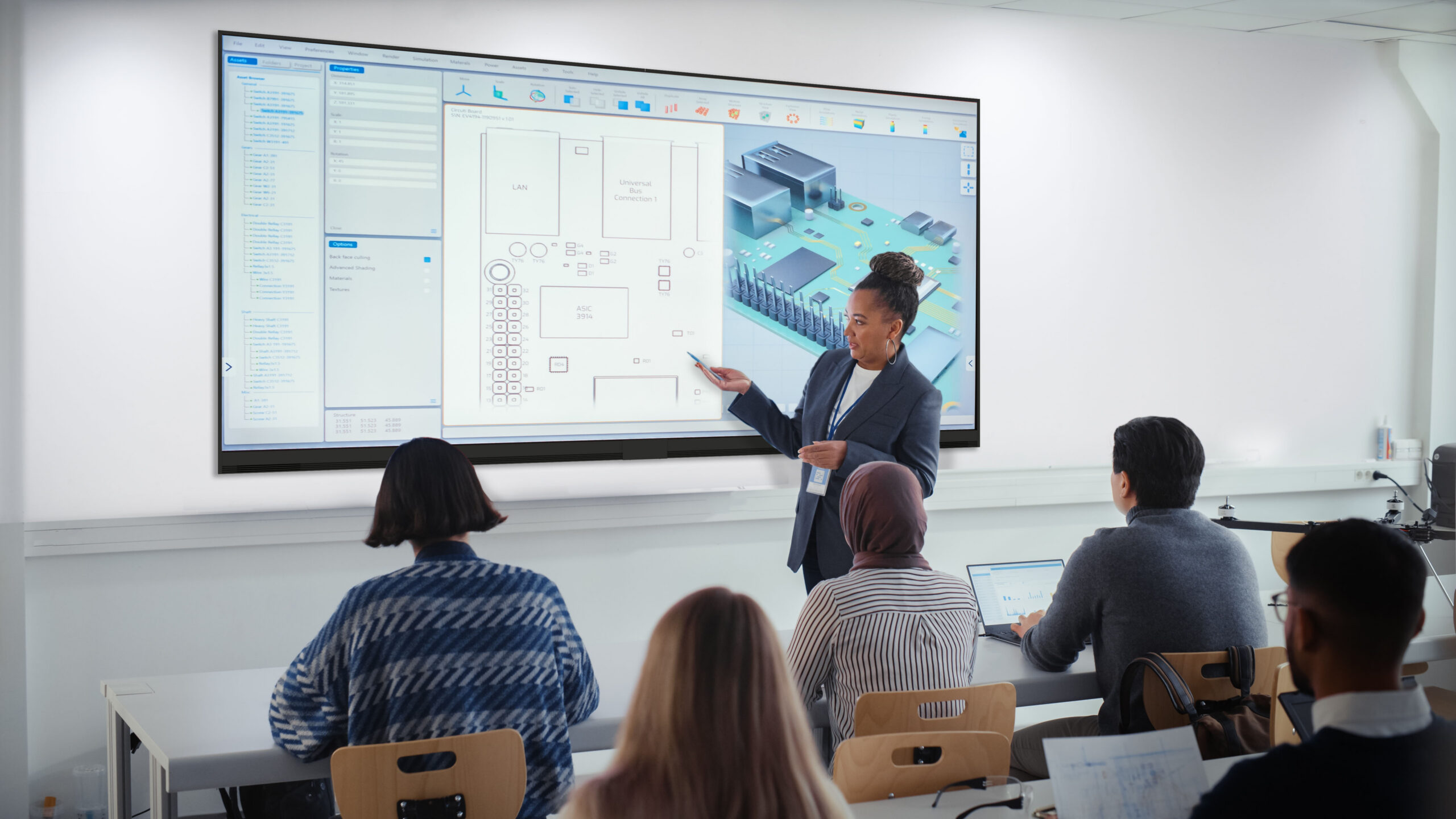
Audio: Clear speech and consistent coverage help students hear instructors and presenters throughout the room. The approach can vary with the size and intended use of the space. A smaller collaboration area may call for a different design than a lecture hall. In either setting, the priority is making speech clear wherever students are seated.
Videobars: Videobars bring core video and audio conferencing capabilities together. They support clear communication for people inside and outside the room. By combining those functions, they can simplify how students and faculty connect across locations.
Together, they help create a more connected learning experience where students can participate more fully.
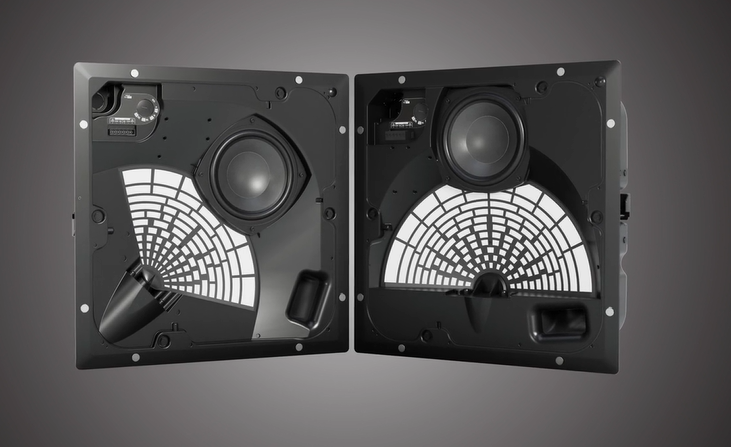
Bose Professional helps higher education institutions deliver clear, intelligible audio across learning environments, with solutions designed to support consistent coverage and performance.
That experience also needs to work for a wider range of students. Inclusive design considers different learning needs and ways of participating from the beginning. Universal design principles can help make the space easier to navigate and simpler to use. Accessibility is part of those early decisions rather than something added after design is complete.
Those decisions become practical in everyday use. Students need to see course content clearly and hear what is being said. The technology itself should also be easy to use. Controls should be simple to locate and understand. Depending on the space, captioning or assistive technologies may support additional needs. Physical access matters as well, including clear pathways for mobility. Considering these elements early can also help your institution align with ADA expectations.
Participation can extend beyond the room. A student might join from another classroom, another campus location, or from off campus. Planning for those situations can help create greater continuity for students and faculty as instructional models continue to evolve.
Accessibility considerations become harder to apply consistently as campus technology grows more varied. Different room types, aging systems, and one-off upgrades can make the experience less predictable for students and faculty. They can also increase demands on IT teams.
Campus technology standards provide a repeatable foundation without requiring every room to be identical. A lecture hall serves a different purpose from a smaller collaboration area, and the systems in each can reflect that. What should remain familiar is how the room works. Basic controls and common workflows should feel predictable, with dependable performance from one location to another.
Defined standards can make campus technology easier to deploy and maintain. A common approach to infrastructure and room design reduces unnecessary variation. Consistent control systems and support workflows simplify ongoing management. Standards also give your team a clearer starting point for upgrades and future expansion. Building accessibility into them helps institutions apply those considerations more consistently across campus.
Standards only stay useful when they are maintained. Clear ownership helps teams keep them current and manage exceptions without creating drift. Periodic review can account for new technology and room types. It also keeps the standard aligned as instructional requirements evolve.
Modern learning spaces have to work for the people using them and remain practical to manage over time. Students must stay connected to instructors and course content without unnecessary barriers to participation. Faculty also rely on dependable technology for instruction. In addition, institutions need an approach that can evolve as conditions change.
AVI-SPL works with higher education institutions and technology partners to plan, design, integrate, and support immersive collaboration spaces that bring those priorities together. Contact us to get started.