As you plan for the successful integration of Microsoft Teams and Teams Rooms, our teams consider and manage:
Microsoft Teams Rooms and Copilot
More intelligent, inclusive, and productive hybrid meetings to empower everyone.
Create a smart workplace with Microsoft Teams and AI
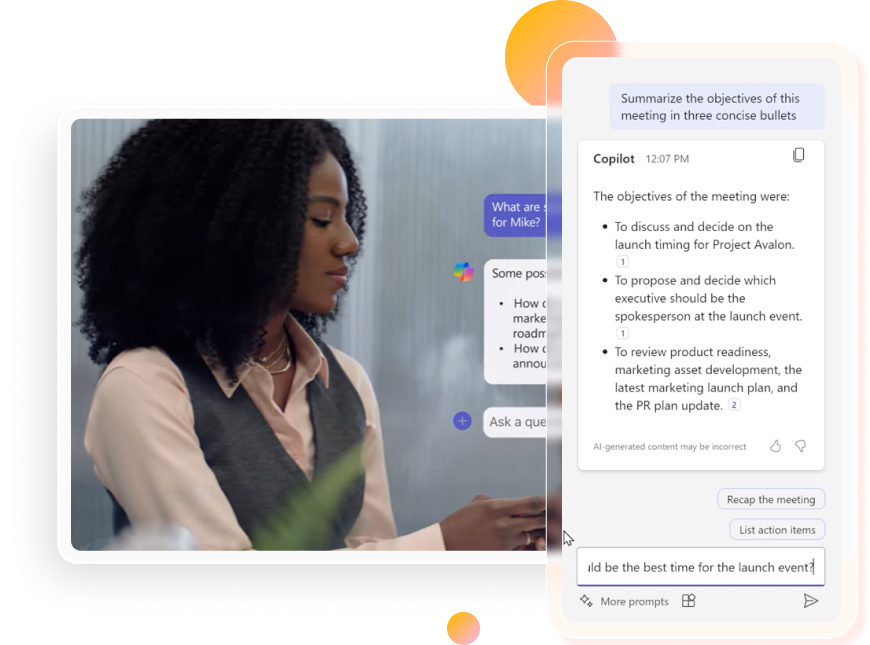
With Microsoft Teams Premium, Teams Rooms, Teams Phone, Copilot, and Places, you can enable more intelligent, inclusive, and productive hybrid meetings to empower everyone. Teams experience more inclusive and intelligent hybrid meetings enhanced by AI, whether in the room or working remotely.
Ask about AI-readiness workshops. Our teams can help you launch the latest AI tools, including Microsoft 365 Copilot and Microsoft Places.

Keep Teams Aligned and Accelerate Decision-Making
Microsoft Teams Premium powers more personalized, intelligent, and secure communication and collaboration. Teams Premium adds new capabilities to Teams, including AI-powered recaps, advanced events, Microsoft Places, the Queues app, and more.
Microsoft 365 Copilot AI-powered agents help you effortlessly manage meetings, set follow-up tasks, and break down language barriers.
- The Facilitator agent supports your meetings by taking notes, answering questions, and moderating discussions based on your agenda or defined goals. It recaps key decisions and open questions midway and at the end, captures notes in real time, and assigns follow-up tasks.
- In Teams meetings, the Interpreter agent enables real-time speech-to-speech translation, allowing participants to speak and listen in up to nine languages. You can turn it on at any point, and attendees can simulate their own voices or choose a preset.
To add flexibility to meeting controls, participants can use Room Remote in the Teams app to control a shared device’s camera, microphone, layout, and settings without disrupting the meeting. It works via a Bluetooth-enabled mobile device with Teams installed and Room Remote enabled on the Teams Room system.

Simplify and Scale Your Events Strategy
Microsoft Teams Events brings webinars and Town Halls into a single, simple experience. Now you can create and manage high-quality events, from small sessions to large broadcasts, all in one place.
Why Microsoft Teams For Events?
- Support live events for up to 10,000 interactive participants
- Expand your audience up to 100,000 with Attendee Capacity Pack licenses
- Drive engagement with Q&A, Polls, and reactions.
- Track performance with integrated analytics and reporting
Ready to simplify your events? Connect with AVI-SPL to design, deploy, and scale your Microsoft Teams Events strategy.
Microsoft Places and Copilot Programs
AVI-SPL is excited to be a partner in the launch of Microsoft Places, the new app designed to transform physical spaces into places where your employees can connect and collaborate with ease. We also have established relationships with other Places partners, including Appspace, CBRE, Crestron Electronics, VergeSense, Cisco Spaces, and JLL.
Microsoft 365 Copilot Preparedness Workshop: Are your teams asking for Copilot, but you’re unsure if your systems and network security can support AI capabilities? We offer a collaborative session to work through the details and get your Teams Rooms ready to leverage Copilot.
Experience Tours
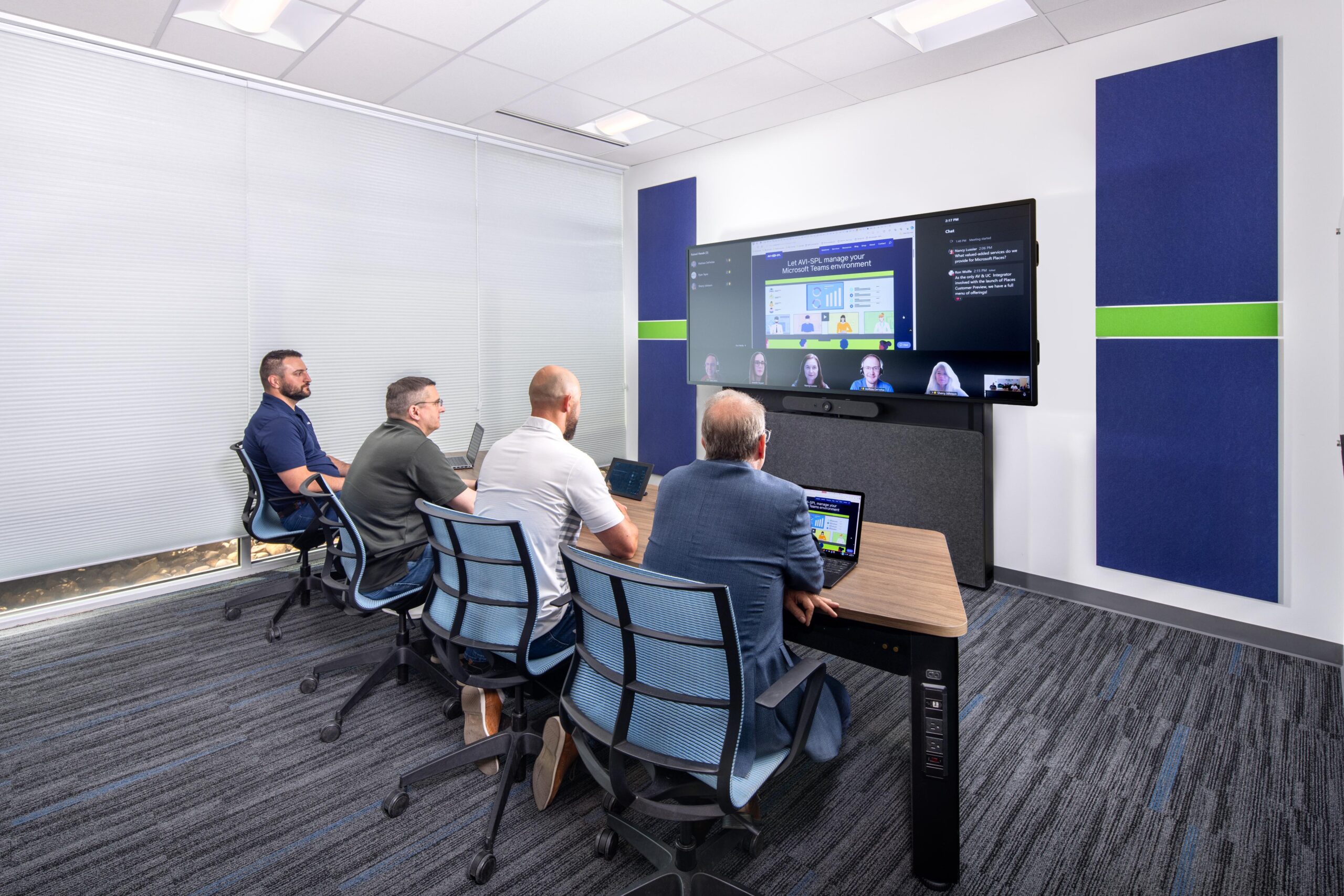
Signature Microsoft Teams Room tours are available now. Experience the immersive Microsoft front-row setup. Take a virtual tour or book an on-site visit today!
Let AVI-SPL manage your
Microsoft spaces
AVI-SPL supports key IT Microsoft Teams goals.
-
Infrastructure and cloud
Meet network requirements that support the Microsoft Teams experience for your remote and on-site users. Equip rooms with certified endpoints, register mobile devices, and plan for network expansion.
-
Governance and administration
Set permission levels for team owners, guests, and public and private teams. Protect sensitive information with rules-based IT security and compliance protocols.
-
Support and lifecycle management
Ensure that Microsoft Teams and its complementary devices or applications are performing at a high level. Also, collect the analytics that provide data insights into user adoption, usage patterns, and gaps in compliance.