

Oct 8, 2026
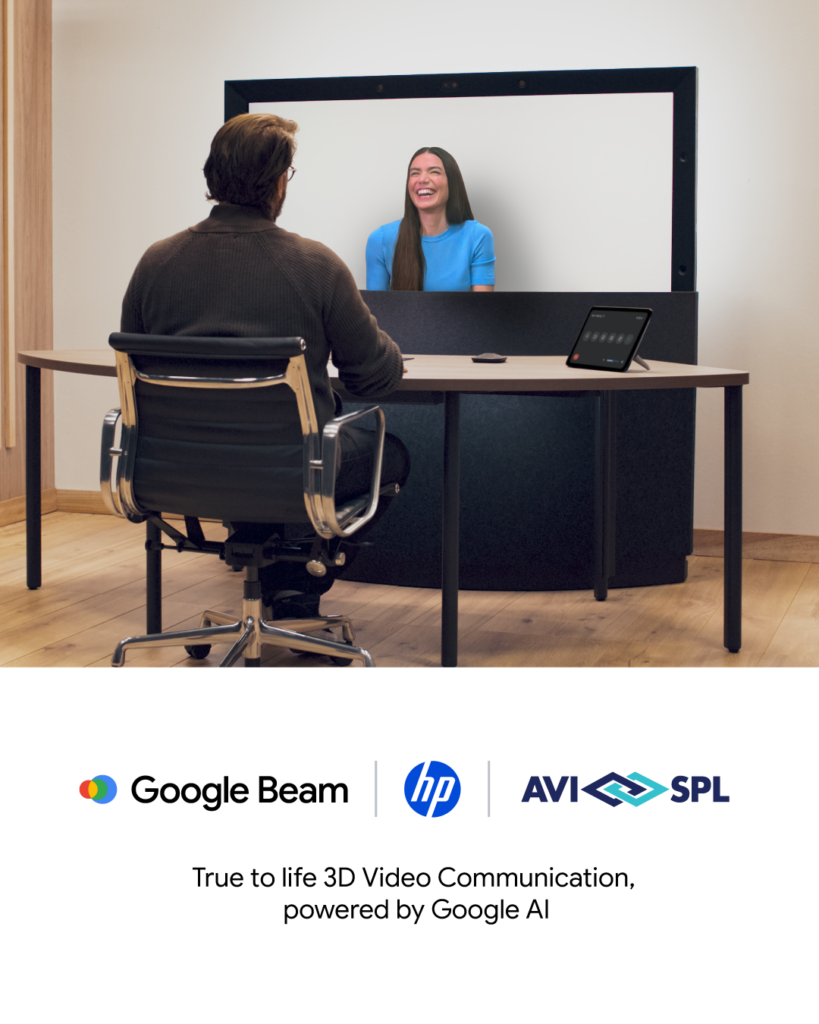
Google Beam is now available worldwide through AVI-SPL
View more
The hybrid work desktop experience defines how reliably you can join meetings, collaborate, and communicate across locations. It directly impacts meeting quality, user experience, and how effectively your teams communicate.
Hybrid work is now a standard part of how organizations operate. Workplace technology is widely deployed, and you’re expected to deliver a consistent hybrid meeting experience wherever work happens.
Yet the experience is still inconsistent.
Less than half (49%) of employees believe their organization supports them with consistent tools and processes to work effectively from any location.
Gaps in consistency show up in the moments that matter most. Meetings start late. Audio doesn’t connect. Users struggle to switch between environments.
Those gaps often begin at the desktop, where your desk setup for hybrid work directly impacts how effectively people can connect and collaborate.
For IT leaders, the desktop has become the first touchpoint of the collaboration experience. It shapes how meetings begin, how users engage, and how technology performs consistently across environments.
The desktop is no longer separate from meeting spaces. It’s part of the same workplace technology ecosystem that supports your company’s hybrid meeting experience.
Most meetings begin at a desk. When the desktop experience is inconsistent, it impacts everything that follows. Poor audio, low-quality video, or unreliable performance can affect engagement and slow down meetings before they even begin.
Start with these technology considerations:
Over time, these gaps reduce confidence in the technology and create a fragmented experience across teams.
To deliver a consistent hybrid work experience, you need desktop environments that align with meeting rooms and collaboration platforms. When that alignment is missing, the experience breaks down.
Designing a consistent desk setup for hybrid work means aligning the tools your teams use every day with how they connect and collaborate.
Video plays a vital role in maintaining human connections in hybrid meetings. Clear visuals help participants stay engaged and ensure communication feels natural across locations.

Microsoft Teams helps you support collaboration before, during, and after meetings with tools for both synchronous and asynchronous work. Chat, Teams and Channels, file sharing, and Microsoft Whiteboard keep conversations, content, and decisions connected so your teams can stay aligned across locations and throughout the workday.
Microsoft 365 Copilot agents extend Teams by supporting how meetings are run and how work moves forward after they end. Facilitator helps capture key discussion points, assign action items, and keep meetings organized so your teams stay aligned.
Interpreter enables real-time translation, allowing participants to follow and contribute in their preferred language. Together, these capabilities reduce manual follow-up and help your teams move from discussion to action more quickly.
Audio is often the most important factor in meeting quality. If users cannot hear clearly, collaboration breaks down immediately.
Unified communications platforms bring together video, voice, chat, and content sharing into a single experience. These UC tools for hybrid work help create consistency across devices and environments.
Everyday tools like keyboards and mice play a role in the overall experience. When they are reliable and easy to use, they reduce friction in daily work.
Cross-device compatibility supports hybrid workflows
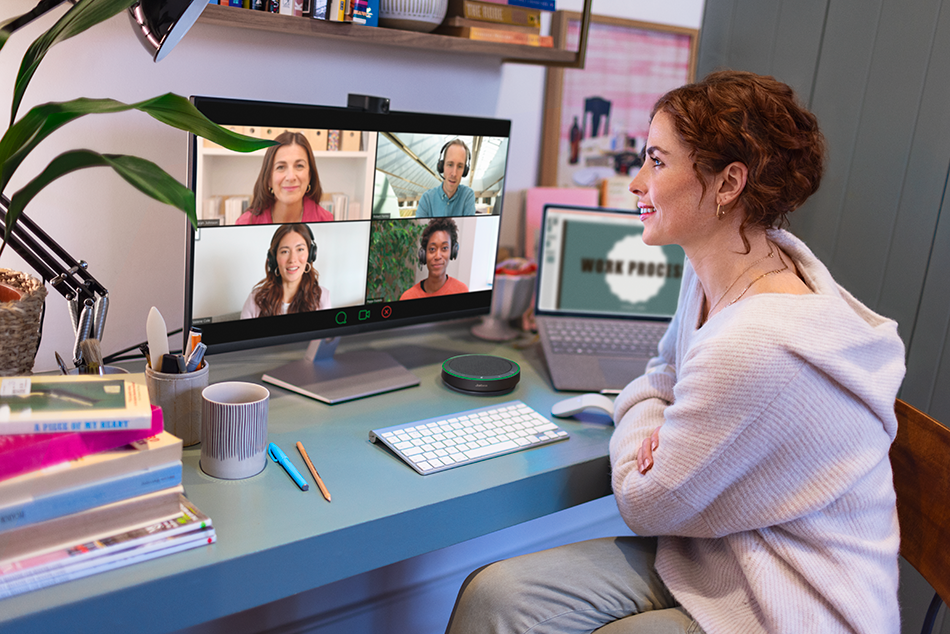
Jabra collaboration solutions help enable working from anywhere with devices built for modern collaboration. Professional headsets improve call clarity and support more consistent communication across desks, shared spaces, and flexible work environments, with features that reduce background noise and support uninterrupted conversations throughout the workday.
Stay focused and keep communication clear across environments
Meeting room video solutions extend this experience into shared spaces by helping teams collaborate more effectively across locations. Jabra intelligent video bars combine high-quality video, audio, and AI-driven features to keep remote and in-room participants clearly seen and heard, creating more inclusive and natural hybrid meetings in spaces of all sizes.
Create more inclusive and effective hybrid meetings
Standardizing desktop tools across users and environments helps you create a more predictable and reliable experience for everyday collaboration.
The hybrid work desktop experience continues across the spaces where your employees work, shaping how they move between environments throughout the day.
As hybrid work evolves, desk booking, hot desking, and hoteling are becoming part of the collaboration experience. These systems help you manage flexibility while improving space utilization.
Hot desking creates a new layer of responsibility. Desktop environments must align with workplace systems and collaboration platforms to support seamless transitions between environments.
That often requires coordination across IT, facilities, and workplace experience teams. When these systems are connected, your employees can move between spaces with fewer disruptions.
Consistency across desktop environments directly impacts how meetings perform, and the level of support your IT team needs to provide.
When users have a familiar and reliable experience across devices and locations, meetings run more smoothly, and issues are resolved less often.
Standardization helps you maintain control while still supporting flexible work. It also creates a more predictable experience for users, regardless of where they are working.
The desktop experience plays a pivotal role in how your teams connect and collaborate across environments.
When desktop setups are consistent, reliable, and aligned with your broader workplace technology strategy, they support a more seamless experience and more effective communication across teams.
AVI-SPL helps you design and support collaboration environments that improve performance and reduce friction across the workplace.
Explore how these strategies fit into your broader workplace experience strategy.