
Oct 15, 2026
Four Technology Essentials for Mission-Critical Spaces
View more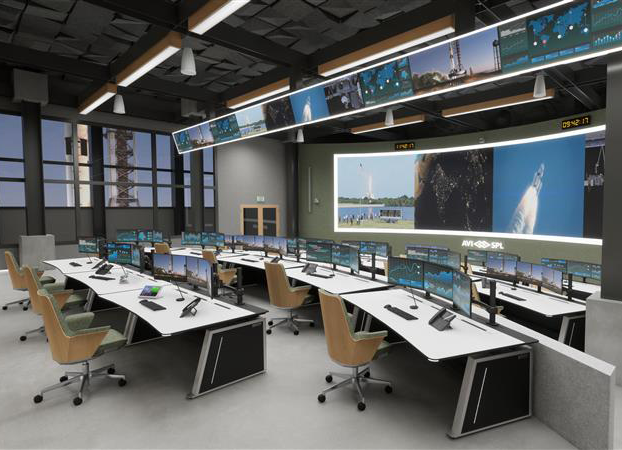
Critical operations depend on timely, informed decisions. Whether you’re managing daily activity or coordinating a major event, your command and control environment helps people access and act on operational information. Although operational requirements vary, successful planning always begins by defining what the environment needs to accomplish before making technology decisions.
Every command and control environment is designed to achieve a specific objective. That objective should establish the foundation for every planning decision that follows. Once it’s defined, you can determine which technologies best support the work ahead.
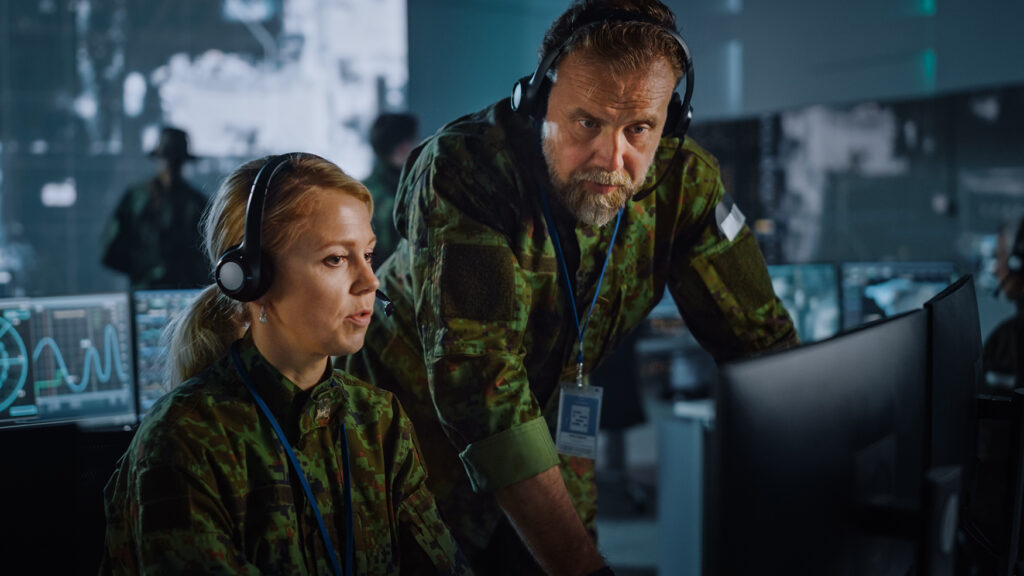
Next, identify who will use the environment and what they need to do their jobs effectively. Operators, supervisors, and decision-makers often require different views based on their responsibilities. Planning should reflect those needs and the workflows people rely on, so everyone has the right information to make informed decisions when they matter most.
Security planning should begin early in the process. Before implementation, determine how operational information will be protected, who should have access to it, and how it will be shared across teams. Establishing these requirements from the outset helps maintain trusted information that decision-makers can rely on during routine operations and high-pressure situations.
The deployment model should also shape your approach. Permanent, temporary, mobile, and satellite command capabilities each have different operational requirements. Regardless of the deployment model, begin with the objective, then design the environment to support it.
Control room operators depend on seeing the right information in context, without compromising security. Barco CTRL, a KVM over IT solution for control rooms, unifies sources from multiple systems into one secure, easy-to-use operator workspace. All information can also be shared on a large video wall for clarity or collaboration with other teams.

One of the primary roles of a command and control environment is to create shared situational awareness. That begins by ensuring the right people have access to the right operational information at the right time. When everyone works from the same understanding of current conditions, teams can respond more effectively and coordinate decisions with greater consistency. A Common Operating Picture provides that shared view by bringing critical information together in one place.
Creating that Common Operating Picture requires more than displaying information on a video wall. Operational intelligence comes from integrating information across multiple systems, including physical security, cybersecurity, and operational technology. Bringing those sources together helps reduce internal silos and creates a unified view that supports coordinated action across teams.
As the volume of operational information continues to grow, AI can help people identify and prioritize what requires immediate attention. By highlighting the most relevant information, AI helps reduce information overload while supporting faster analysis. The role of AI is to surface meaningful insights so people remain at the center of decision-making.
Shared situational awareness should also extend beyond a single control room. Many organizations coordinate operations across multiple facilities, remote locations, and distributed teams. Providing a common view, regardless of location, helps everyone work from the same understanding so teams can coordinate more effectively as conditions change.
Control room teams depend on monitoring feeds, camera inputs, and control signals staying synchronized as conditions change. NETGEAR AV provides managed switching built for AV-over-IP, giving IT teams a network designed to keep that information moving between the systems and people who rely on it. TAA-compliant order codes are also available for several models where applicable.
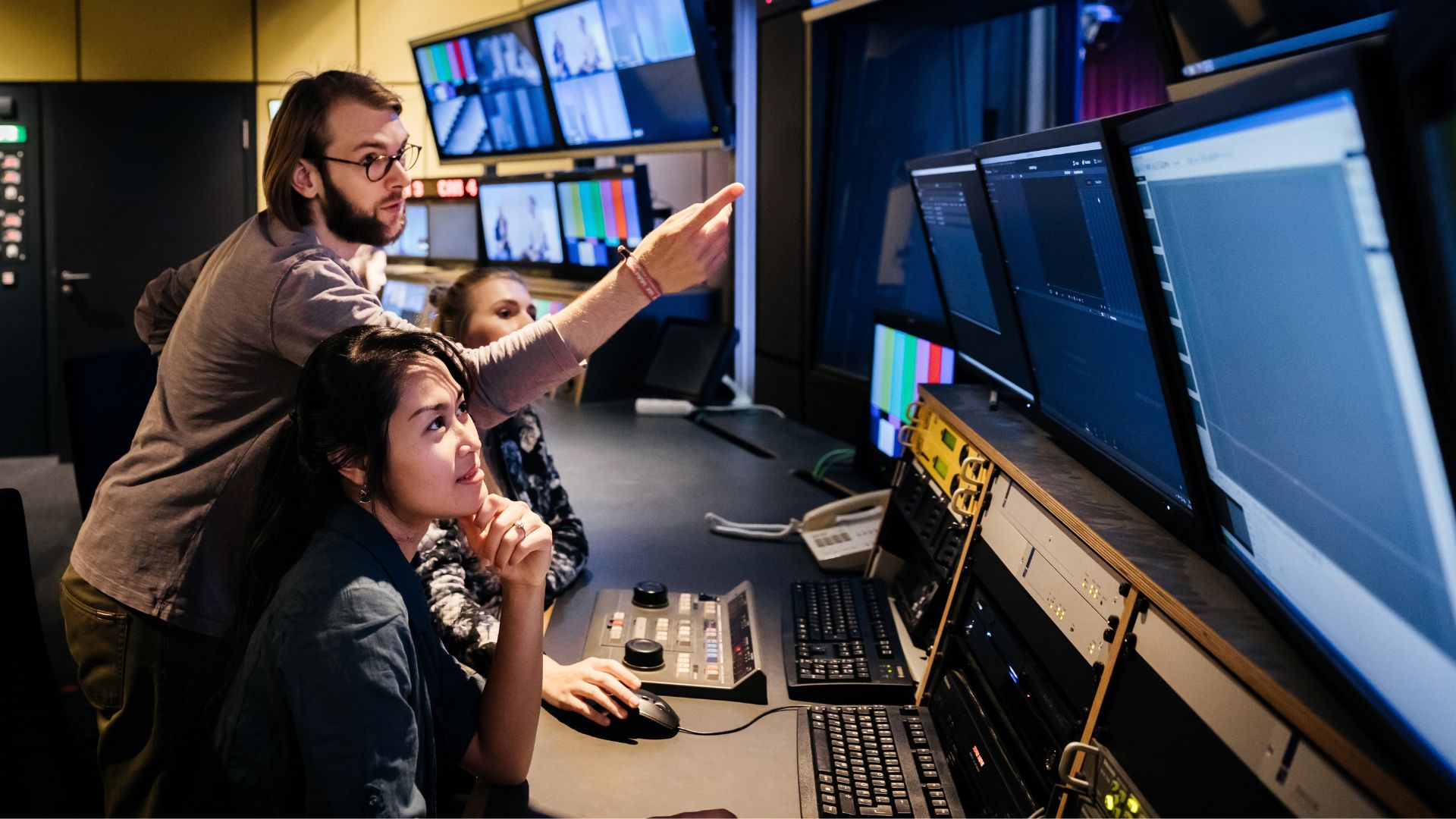
Technology plays an important role in command and control environments, but people remain at the center of every operational decision. Designing around the people who use the space every day helps create a workspace that supports sustained performance under both routine and demanding conditions. Planning with their needs in mind helps align the environment with the work it is intended to support.
The physical workspace also influences how effectively people perform. Ergonomics and console design, along with lighting, acoustics, and sightlines, all contribute to an environment where teams can stay focused throughout long shifts. When these elements are considered together, the workspace helps reduce distractions and improves focus when rapid decisions are required.
People rarely work in isolation. Throughout the day, they shift between individual responsibilities and coordinated team activities. The environment should support established workflows by making it easier for teams to communicate and work together. Designing around those workflows helps teams coordinate while allowing individuals to stay focused on their responsibilities.
Accessibility should be considered throughout the design process as well. A usable environment supports a broader range of people and working styles. Designing with usability in mind helps more people perform effectively.
Public safety and transportation teams rely on control rooms to track incidents and coordinate response in real time. Utilities and energy providers monitor infrastructure, while corporate campuses, higher education institutions and large venues have their own operational priorities. Legrand | AV addresses these varied environments from the operator workstation through display mounting and supporting power infrastructure.
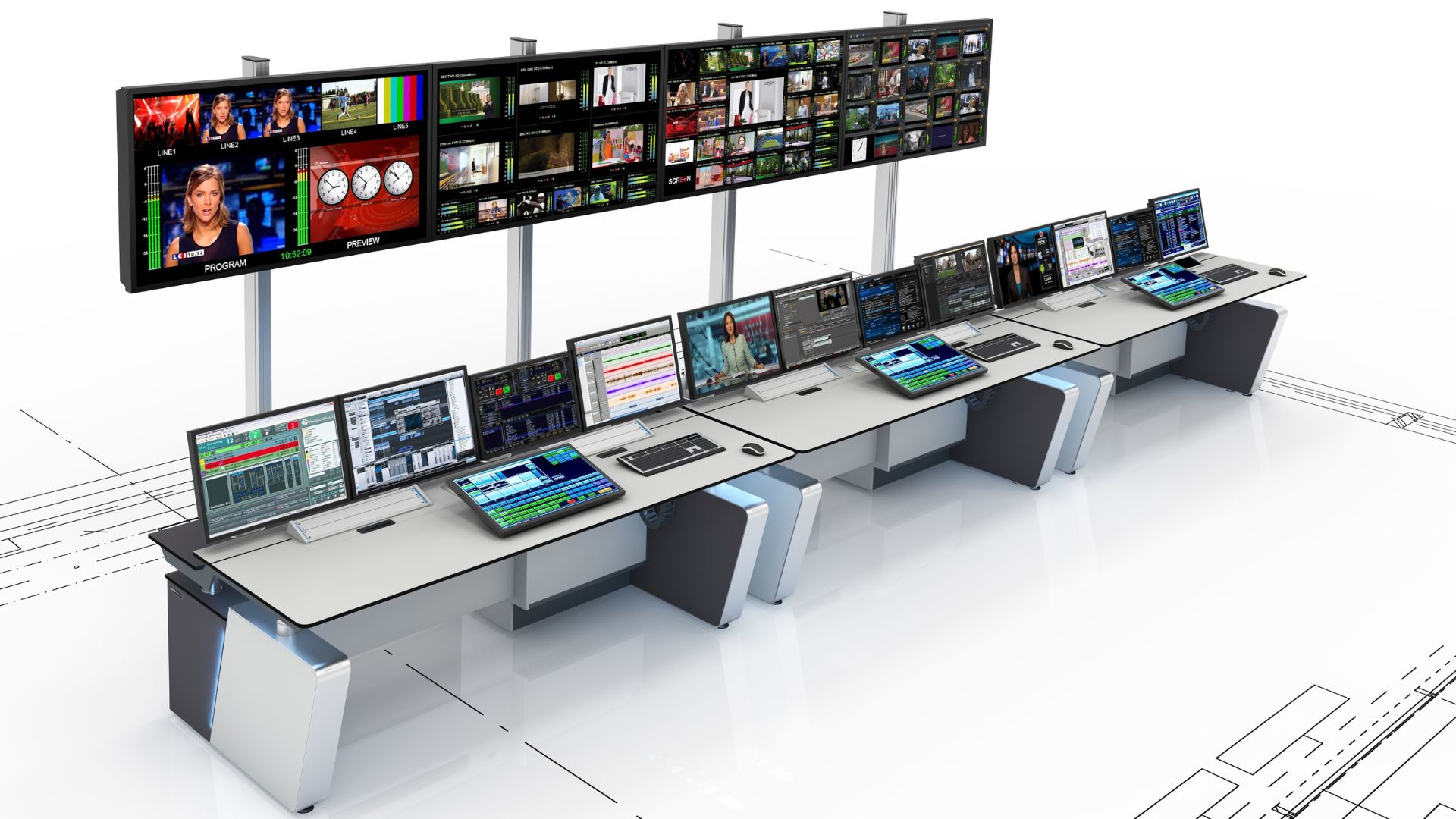
Command and control environments should remain reliable when conditions change. Resilience helps maintain operational capability during disruptions and reduce their impact on critical operations. Building for continuity prepares organizations to keep operating when unexpected events occur.
Operational requirements change over time, and command and control environments should be ready to grow with them. Scalable designs make it easier to accommodate additional users and technologies as needs evolve. Planning for future growth helps reduce unnecessary disruption and minimizes the need for major redesigns later.
Rapid deployment is essential when temporary, mobile, or satellite command capabilities are needed for emergencies or large public events. These environments must be brought online quickly while maintaining the operational capability needed for the situation. Applying a consistent planning approach helps deliver reliable operations wherever these environments are deployed.
Operational needs continue to evolve throughout the lifecycle of a command and control environment. Flexible designs make it easier to extend operations beyond the primary control room as requirements change. Building adaptability into the design helps organizations continue supporting changing needs without fundamentally redesigning their command and control capabilities.
Every command and control environment has different operational objectives. Defining those objectives first helps ensure every planning decision supports the way your organization operates.
AVI-SPL helps organizations translate operational requirements into command and control environments that align with the way they operate. From planning and design through integration and long-term support, we help you build solutions that are ready for today’s needs and adaptable for what’s next.
Connect with AVI-SPL to get started.