
Oct 12, 2026
Beyond Deployment: The Value of the Right Global Partners
View more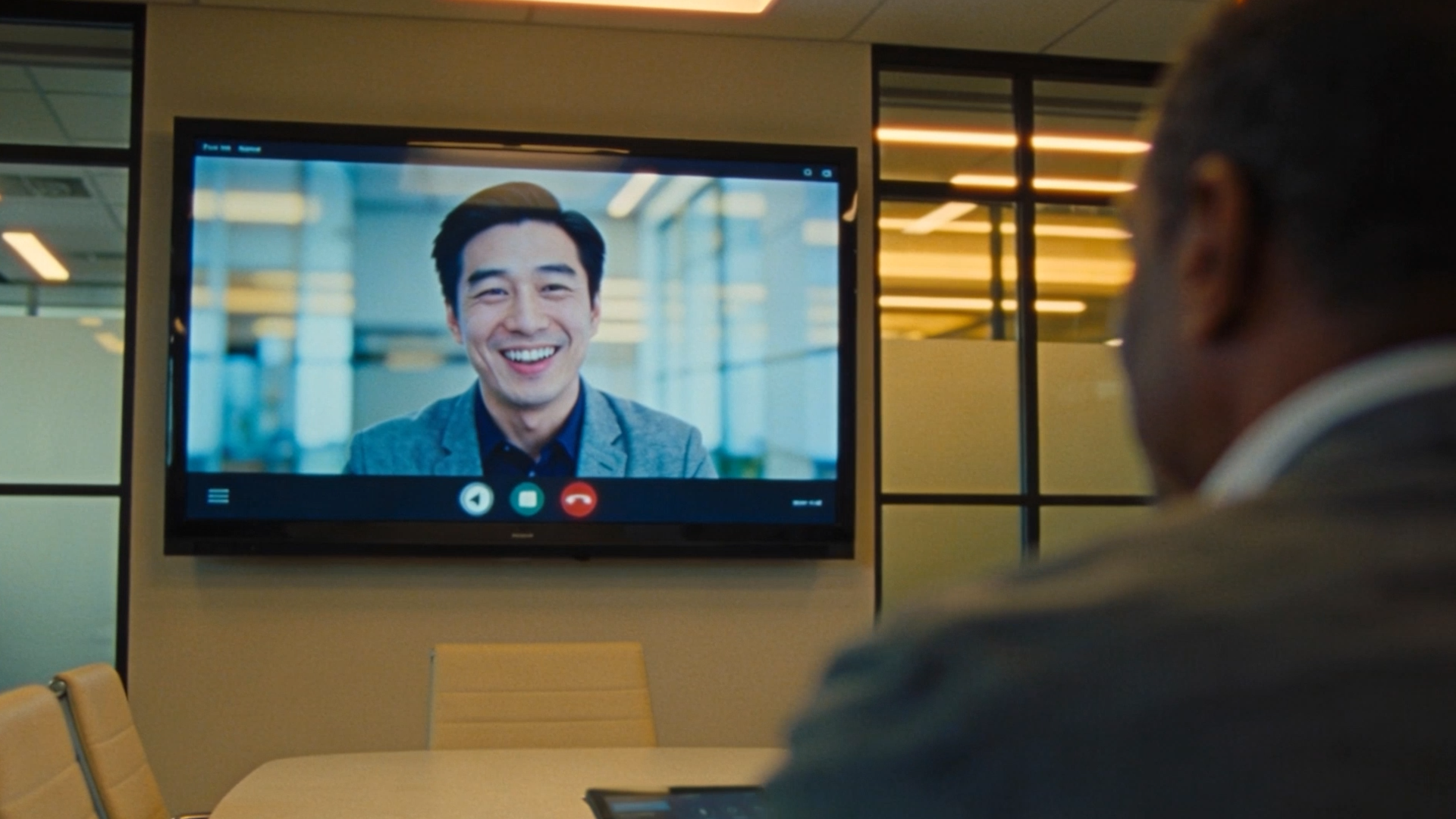
The digital workplace experience is shaped long before technology is installed. Strong collaboration space planning aligns IT, facilities, and employee needs. This helps tools feel simple, meetings run smoothly, and hybrid teams stay connected.
When you design your digital workplace experience, you are shaping how people connect, share ideas, and get work done. This goes beyond selecting devices. It requires collaboration space planning that supports employee experience, IT strategy, and business goals.
Barco ClickShare research shows that 80% of employees prefer hybrid work, yet 71% still report friction with hybrid meeting technology. That gap highlights why designing the digital workplace experience requires more than installing equipment. It requires intentional collaboration space planning.
For IT leaders, the stakes are clear. Poor collaboration tools affect productivity, security, and employee satisfaction. The right approach creates hybrid collaboration spaces that support both in-office and remote teams.
Digital workplace experience planning is a cross-functional effort. IT, HR, facilities, and business leaders collaborate to design environments that support real work behavior. The goal is to ensure those environments align with employee needs and day-to-day workflows.
Start with outcomes and the experience you want people to have at work, instead of choosing equipment
Who owns the digital workplace experience? It is shared ownership. IT delivers the technology experience, HR champions employee experience, Facilities shapes the physical environment, and leadership connects those elements to business outcomes. When everyone aligns around the experience you want people to have, collaboration feels more natural, and adoption tends to improve.
Identify employee needs, align business outcomes, set collaboration standards, and include sustainability targets to improve workplace experience.

Clear goals guide better decisions. Consider these priorities:
Success measurements often include uptime, ticket reduction, meeting start time, and employee satisfaction scores. These metrics connect IT performance with business impact.
Employees expect meetings to start fast, tools to work consistently, and remote participants to feel included. Increasingly, AI is moving to the edge. AI now runs directly on devices to enable real-time framing, speaker tracking, and a more seamless experience without adding complexity.

Employees expect reliability and simplicity from their workplace technology. When tools feel complicated or inconsistent, adoption drops, and frustration rises. Improving digital workplace experience starts with understanding how people actually work and removing friction wherever possible.
Common frustrations often include:
To improve workplace collaboration, focus on goals that matter most to both employees and IT leaders. Ease of use, consistent experiences, security, and reliable performance typically rank high. Many organizations also prioritize faster meeting starts, reduced support tickets, and better hybrid engagement.
Measuring success requires both technical and human metrics. IT leaders often track uptime, help desk requests, room usage data, and meeting start delays. Employee feedback, satisfaction surveys, and adoption rates provide another layer of insight. Together, these indicators help you understand whether the digital workplace experience is truly supporting how people work.
Designing around real behavior helps solve many of these challenges. Observation, employee surveys, and usage analytics can reveal where improvements will have the greatest impact.
AI-powered video from Huddly helps you design your digital workplace experience around inclusion and clarity.
Huddly multi-camera system highlights:
The result is a more natural, complete meeting experience without added complexity.
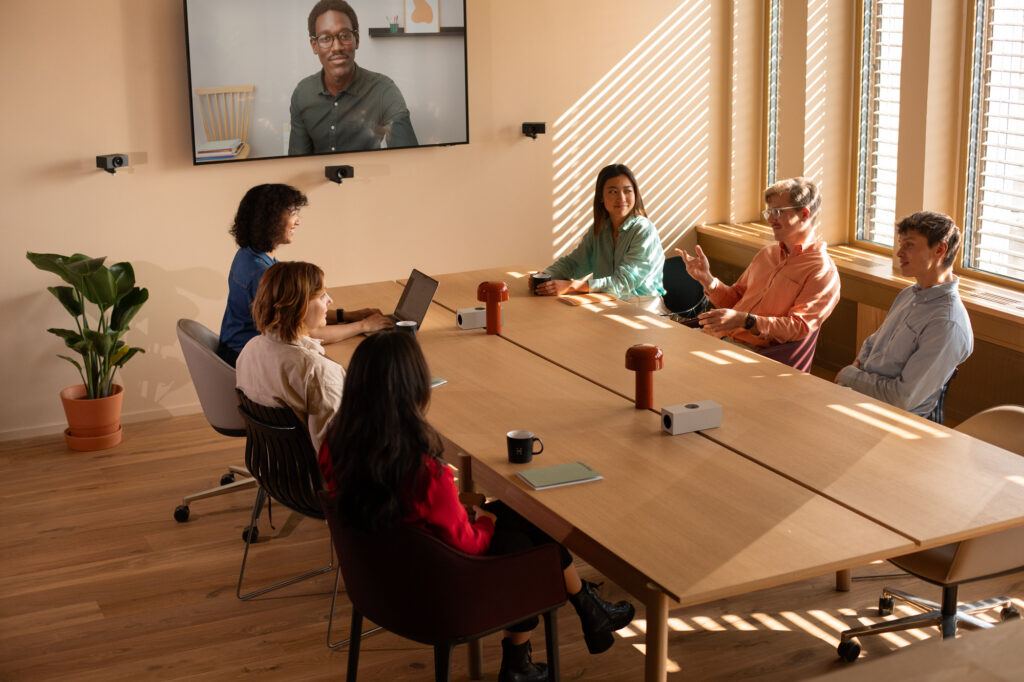
A strong digital workplace experience requires scalable collaboration spaces that adapt to growth while protecting information and supporting evolving work styles.
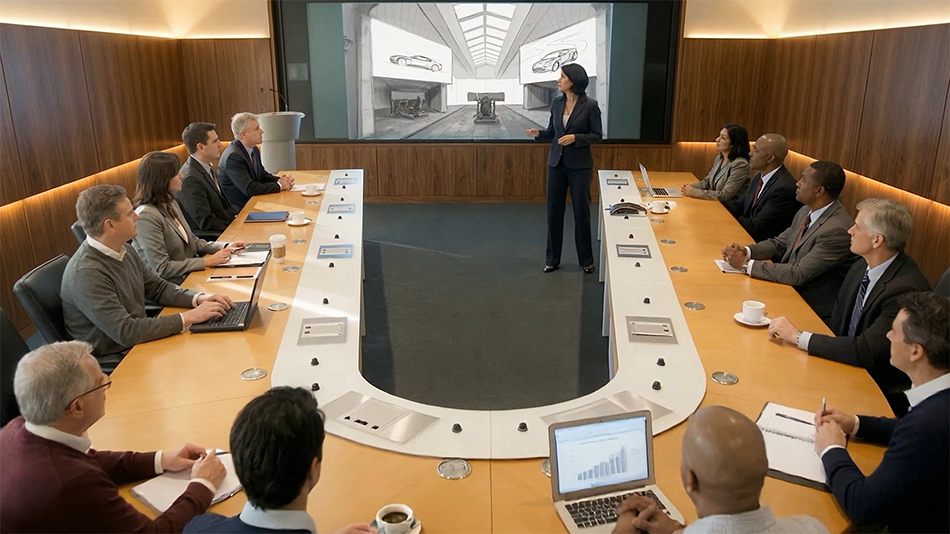
Future readiness depends on flexibility. Work styles change quickly. Technology must keep pace without constant redesign.
Key considerations include:
Sustainability matters. Deloitte research indicates many organizations now factor environmental impact into workplace technology decisions.
Security also remains essential. Hybrid collaboration spaces should protect data while remaining easy for employees to use.
This starts with securing meeting devices across every room through standardized setups, regular updates, and centralized management. Shared content should also be protected using secure wireless sharing, encryption, and controlled access so only the right people can view or present.
At the same time, security cannot add friction. If it feels complicated, users will find workarounds that create more risk. The goal is a secure experience that is simple, consistent, and easy to follow.
Wireless conferencing with Barco ClickShare simplifies collaboration while supporting security goals. Barco’s hybrid work meeting room technology prioritizes security from the outset, enabling secure collaboration without sacrificing user experience.
It aligns with global regulations and certifications, delivering trusted, future-ready security. With Barco’s secure-by-design solutions, you can standardize security across meeting spaces, protect shared content, and deliver a consistent user experience without adding friction.
ClickShare benefits:
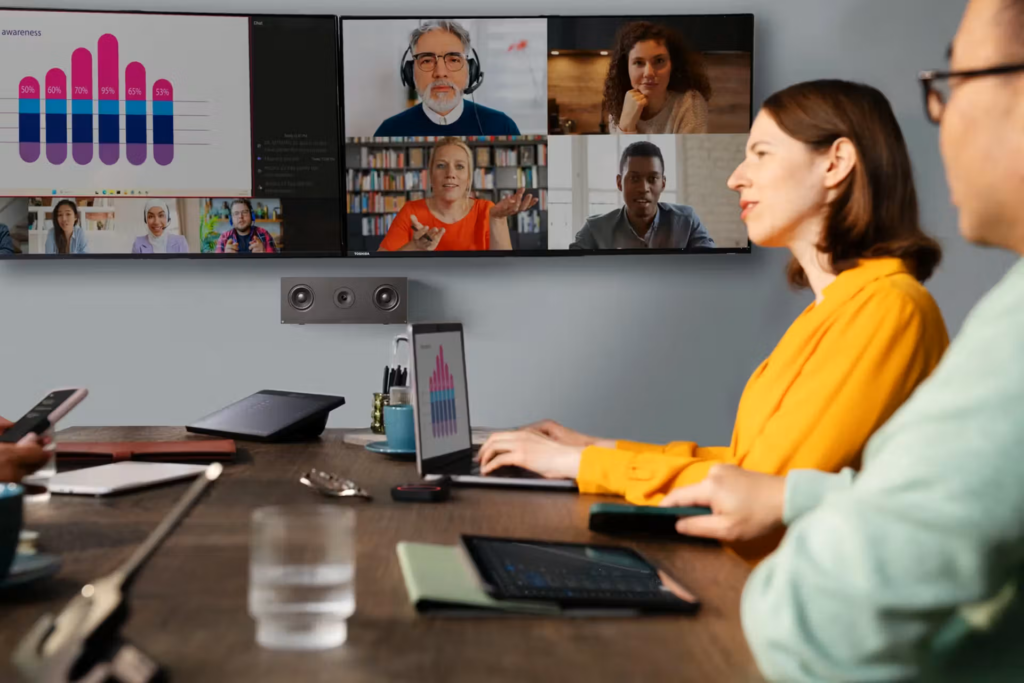
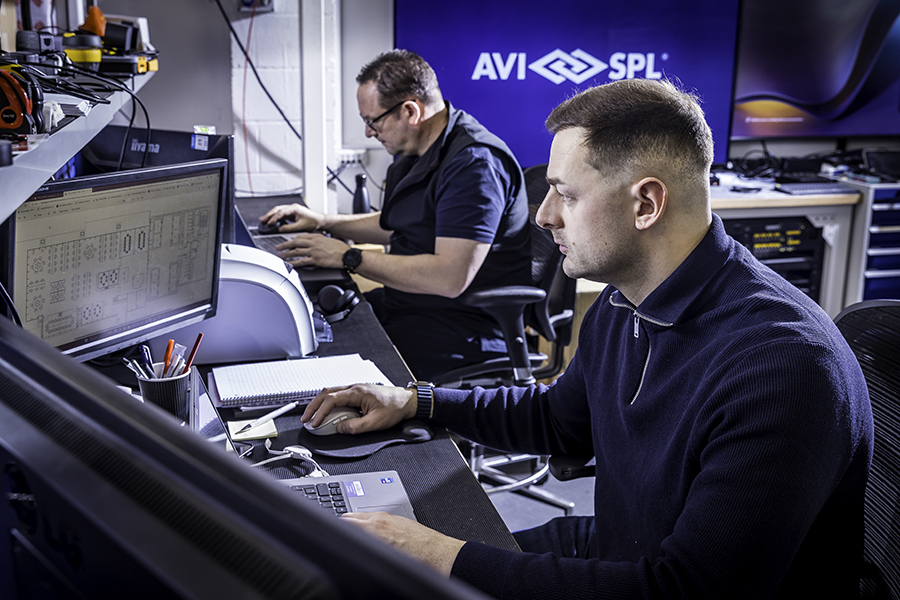
AVI-SPL improves workplace experience by aligning planning with business goals and testing collaboration spaces using live design software before construction.
When you design your digital workplace experience, having experienced guidance helps reduce risk and uncertainty.
AVI-SPL supports workplace design and planning services and real-time design simulations that allow you to evaluate collaboration spaces before anything is built.
Testing spaces virtually helps identify potential issues early, which can improve adoption, reduce costly adjustments, and build confidence among stakeholders.
An experienced AV integrator also connects strategy, design, deployment, and ongoing support into a cohesive process, helping ensure the workplace experience evolves alongside your organization.
Define your digital workplace experience during planning. When technology fades into the background, collaboration feels natural, and organizations elevate how people work together.
Equipment alone does not define workplace experience. Planning does.
When collaboration spaces align with real work patterns, employees feel supported. IT sees fewer support tickets. Leaders see stronger engagement.
That is how organizations elevate the shared experience across every environment.